
How to choose a study planner you will actually open
In short: Pick the tool that matches how your week works. Enter fixed commitments first, then study sessions. Review the week for ten minutes.
Most planners are abandoned in good condition. The first week is colour coded, the second has a few gaps and by the third it is under a pile of handouts. The fix is rarely a prettier planner. It is one that matches how your week really goes.
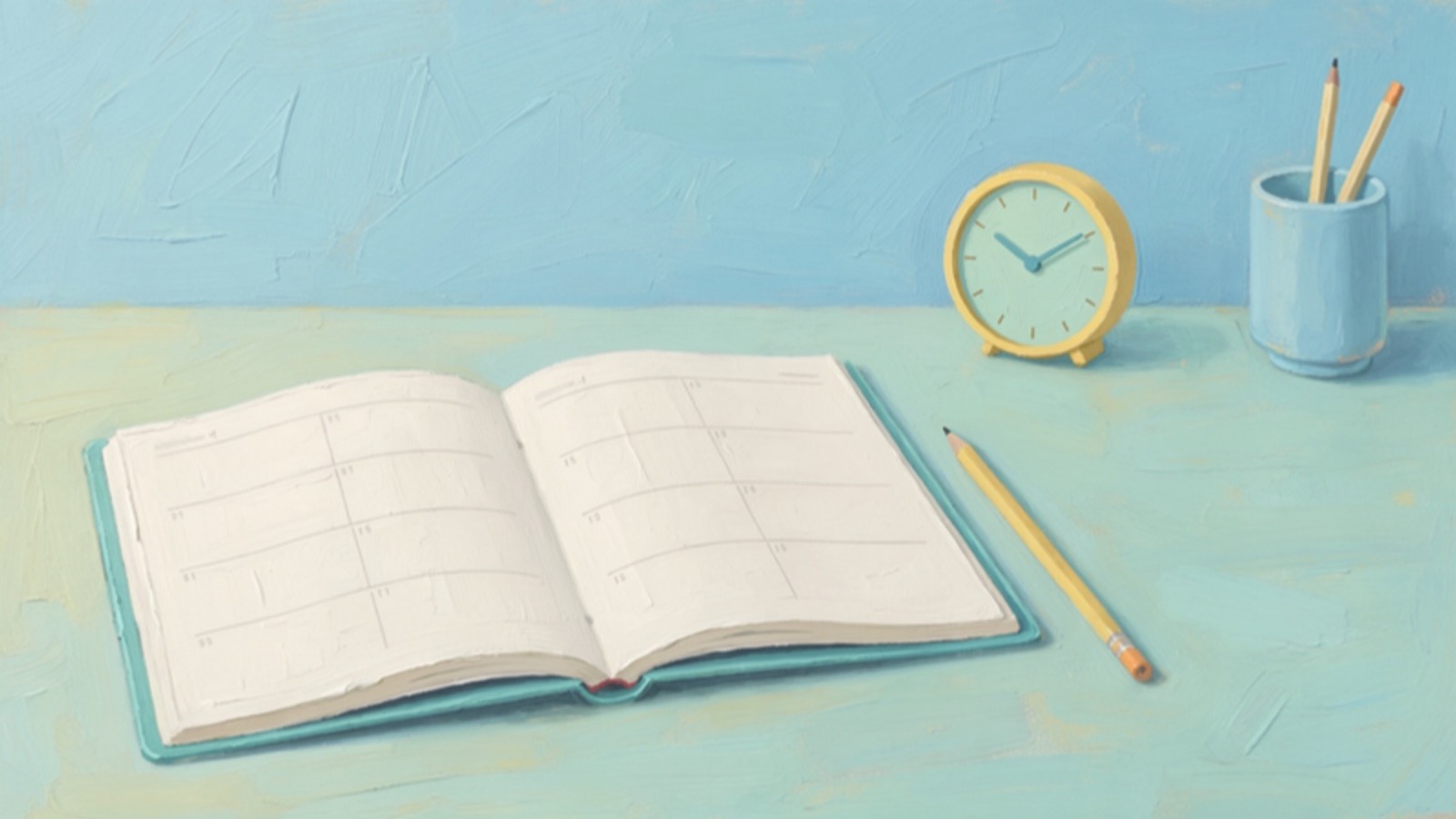
Before you buy or download anything, write down what you tend to forget. Deadlines, class times, reading and revision are different problems, and one tool does not have to solve all of them on day one.
Three kinds of planner
| Kind | Good at | Watch out for |
|---|---|---|
| Paper planner | Seeing a week at a glance, no notifications | No reminders, easy to leave at home |
| Calendar app | Fixed times and reminders across devices | Gets crowded if every small task goes in |
| Task list app | Things with a due date but no set time | Long lists that never show how busy you are |
A mix works well for many people: classes and deadlines in a calendar, and this week's three most important study tasks on paper. Keep each item in one home so you never wonder which version is current.
Set it up in half an hour
Put in everything that cannot move: lectures, work shifts, exams and hand-in dates. Add travel time where it matters. What is left is your real study time, and it is usually smaller than it felt.
Now place study sessions in some of the gaps. Name each one by the action, such as "recall chapter 4 from memory", because "study biology" gives you nothing to start with. Leave some gaps empty for the week that goes sideways.
A small test: if adding a task takes more than ten seconds, you will stop adding tasks. Choose the quicker tool.
Review the week for ten minutes
Pick a regular moment, perhaps Sunday evening. Cross off what happened, move what did not and look two weeks ahead for anything large. If the same task has moved three times, make it smaller or admit that it will not be done.
When exams approach, turn the planner into a revision plan. The two-week exam plan shows how to bring each topic back more than once, and a spaced repetition app can handle the daily timing of flashcards.
When to switch, and when not to
Give a new planner two ordinary weeks. If you open it most days, keep it, even if it looks messy. If you avoid it, ask what exactly gets in the way before shopping again. Often the answer is too many entries, and any tool will suffer from that.
The planner is there to make tonight's decision easy. When you sit down and know what to start with, it has done its work. If the evening is the night before an exam, use the shorter checklist for that night instead.
Try it tonight: Write down tomorrow's one most important study task as an action, and give it a time.
Common questions
Is a paper planner better than an app?
Neither is better for everyone. Paper shows the week at a glance, while an app can remind you. Use the one you will open.
How much of my free time should I plan?
Leave some gaps. A plan with no spare room breaks the first time something runs late.
What should I write for a study session?
Name the action and the material, such as recalling chapter 4 from memory.